
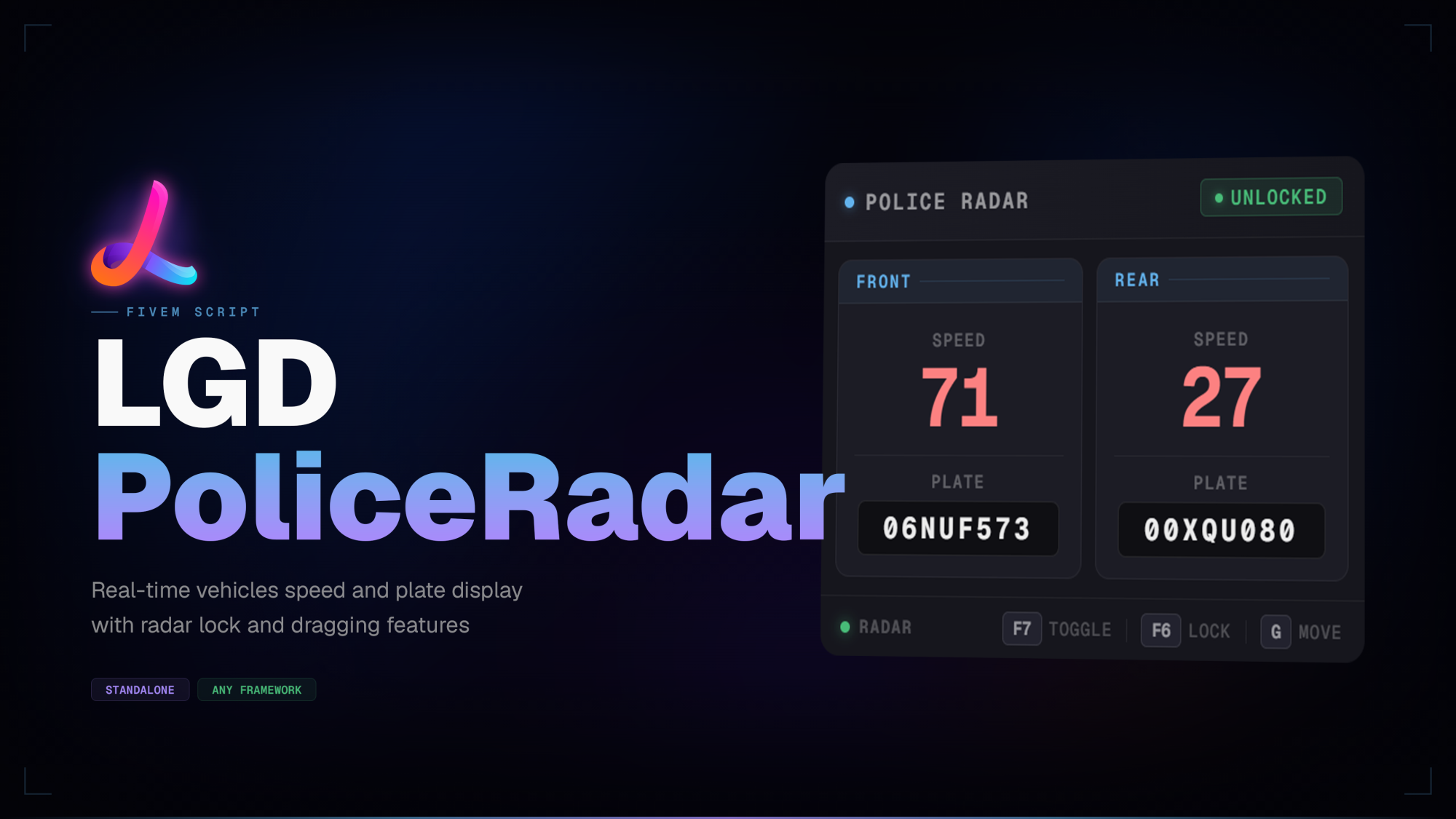
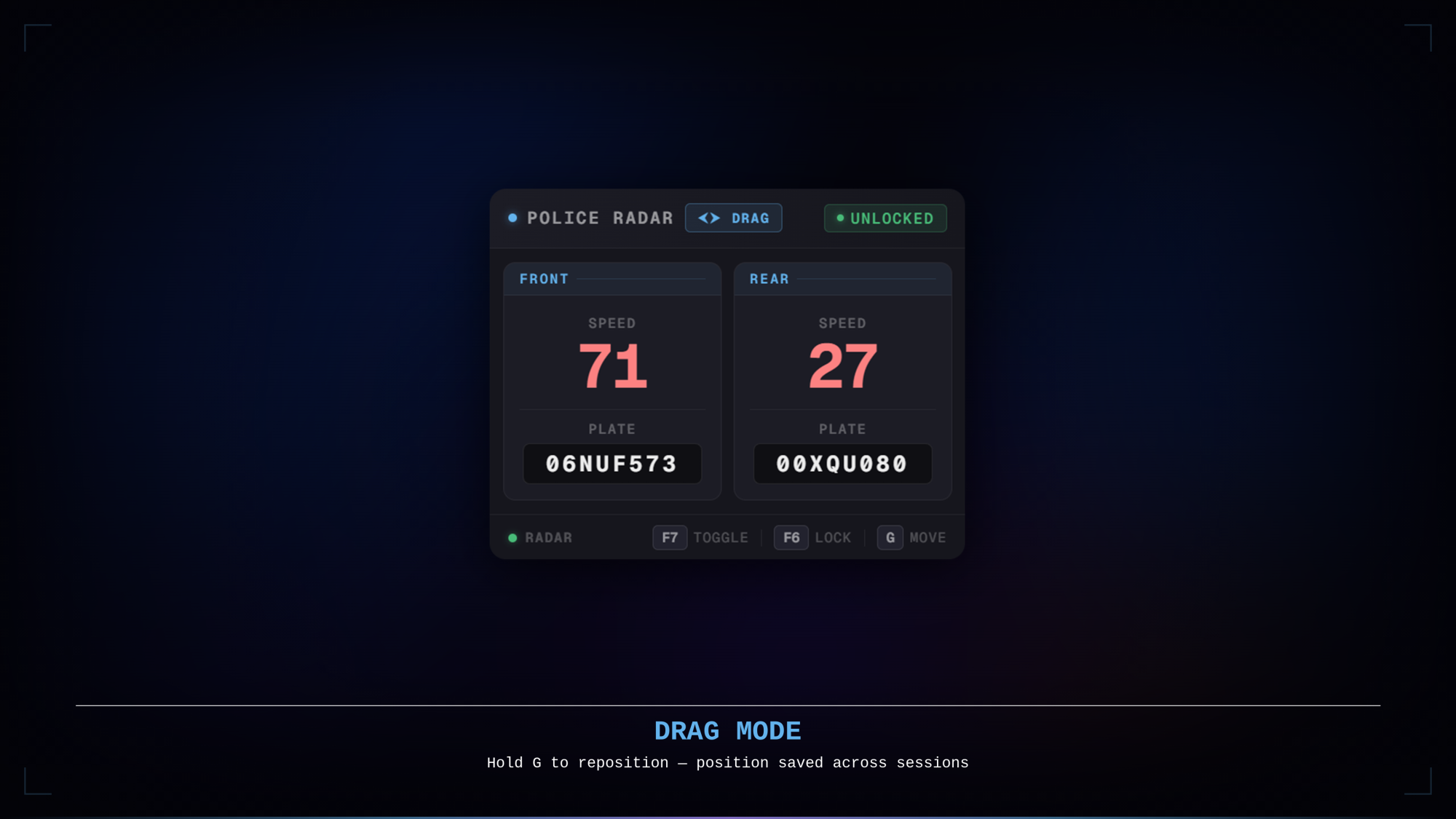
LGD PoliceRadar is an always-on radar HUD that displays the speed and plate of vehicles ahead and behind you — directly on screen, no menu required. The panel activates automatically whenever an emergency vehicle is entered and fades out on exit, keeping the experience entirely hands-off.
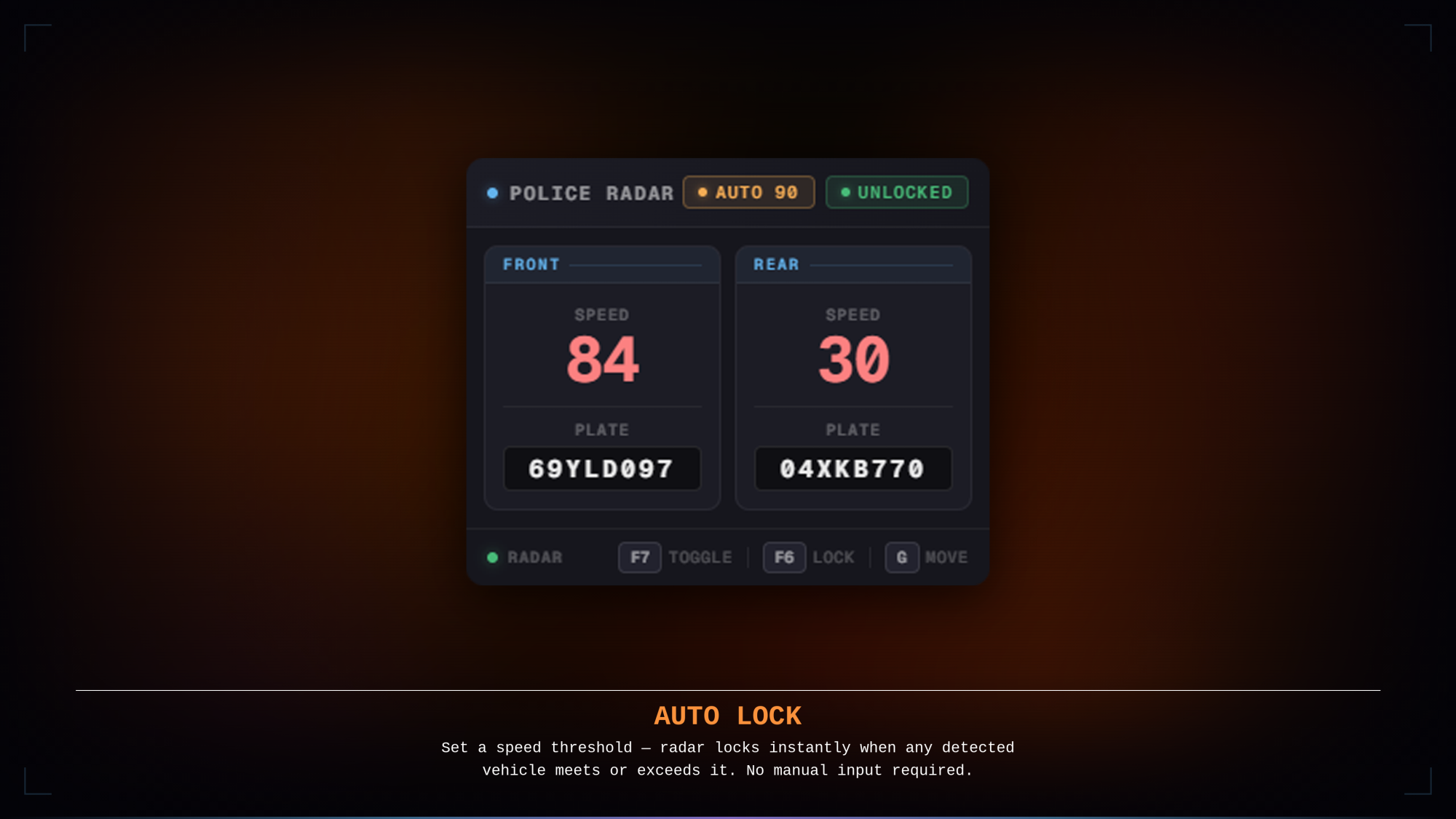
The panel is fully draggable and remembers its position between sessions. A minimum speed threshold can be set with /radarspeed — the radar locks itself the instant any detected vehicle meets it, freezing the reading for review without any manual input.
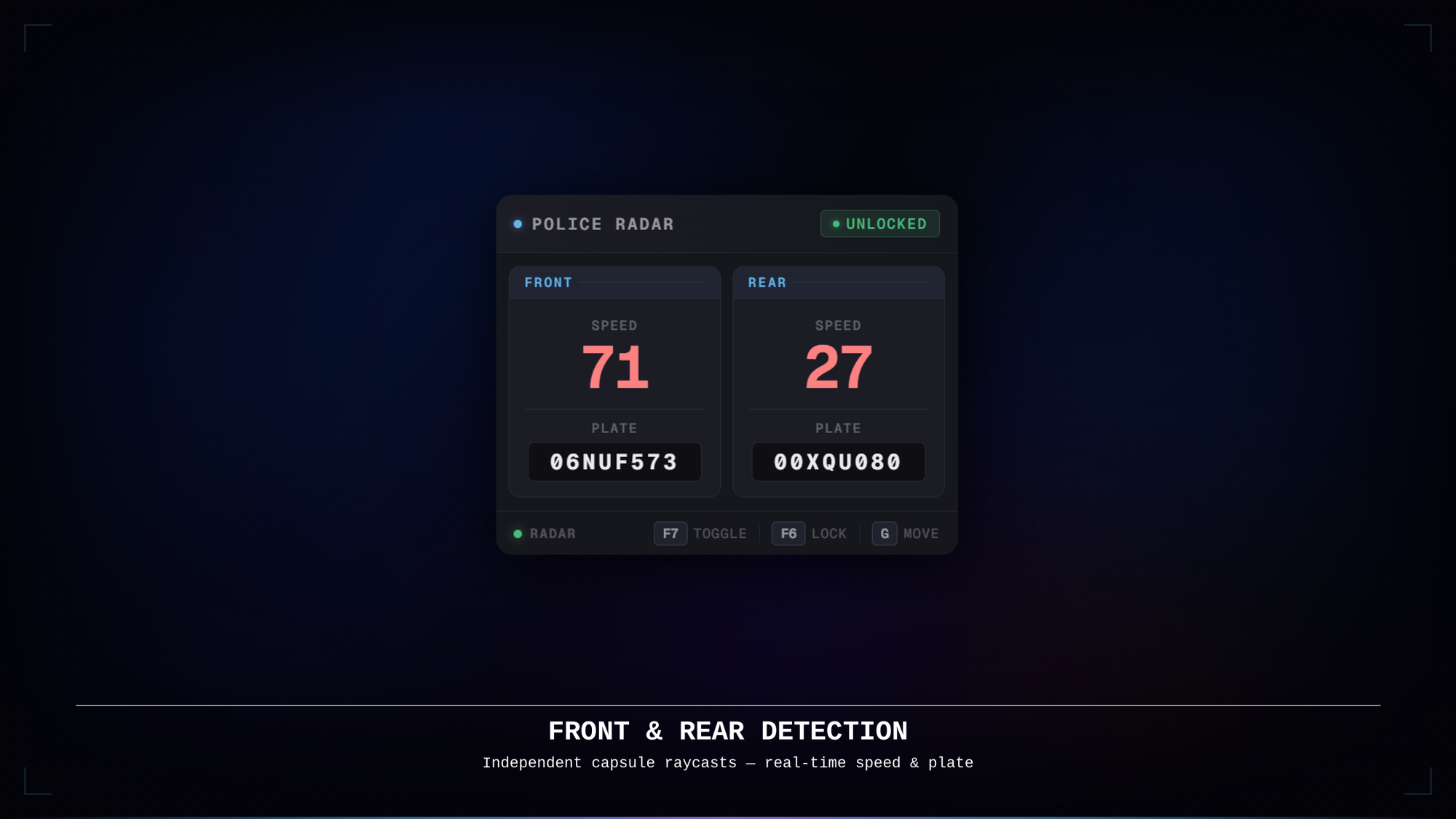
Always-visible HUD — front and rear speed readings plus license plates are displayed at a glance with no menu to open
Framework agnostic — works on QBCore, QBX, ESX, standalone, and any other framework with zero configuration
Configurable notifications — choose between ox_lib, QBCore, or a fully custom provider; the notification bridge lives in the unencrypted framework/client.lua so it can be swapped without touching any encrypted file
Front & rear detection — independent capsule raycasts cover both directions simultaneously
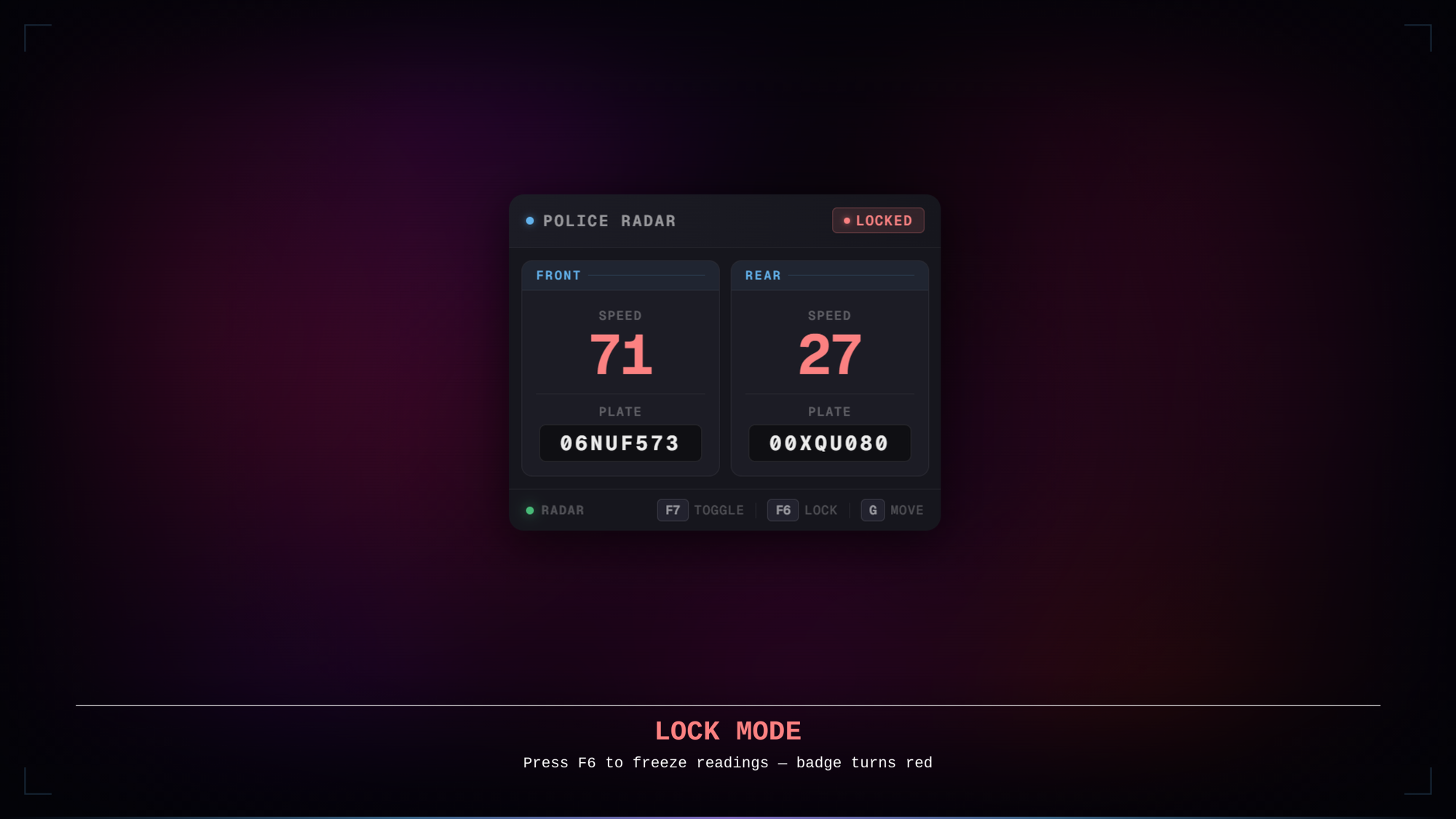
Lock mode — freeze the current readings with a keybind to record a speed; the badge switches to red to indicate locked state
Auto-lock / speed clocking — set a minimum speed threshold with /radarspeed [speed]; the radar locks itself the instant any detected vehicle meets or exceeds it
Smooth fade transitions — the panel fades in when entering an emergency vehicle and fades out when leaving
Draggable panel — hold a configurable key to enable the cursor and drag the radar anywhere on screen; position is saved across sessions
Rebindable keybinds — all three keybinds (toggle, lock, drag) are registered through ox_lib and can be rebound in GTA V's Key Bindings menu
KMH and MPH support — speed unit is switched from the config with a single line
Optimised — 0.00ms idle, 0.01ms in-vehicle with panel visible; scan loop runs only while inside an emergency vehicle.
Support — Lifetime updates, 7-day-a-week personalized support via Discord.
ox_lib — Always
No framework dependency. No other requirements.
lgd-policeradar into your resources folderensure lgd-policeradar to your server.cfg after ox_lib
shared/config.lua and set your preferred notification system, speed unit, and keybindsTested with resmon. The scan loop runs only while the player is inside an emergency vehicle; no threads are active at any other time.
For questions, bug reports or suggestions, join our Discord.
Tags: esx qbcore qbox
Trusted by over 400+ servers worldwide.
"Finally a script that actually works. Support was super fast and helpful."
"Top quality. We've been using it on our server for 2 weeks without issues. 10/10."
"Very clean code, easy to customize. 0.00ms resmon is not an empty promise."
"This system is awesome. My players love the new features."
"Best developer. Updates come regularly and bugs are fixed immediately."
"Everything perfect, installation was done in 5 minutes. Would buy again."