
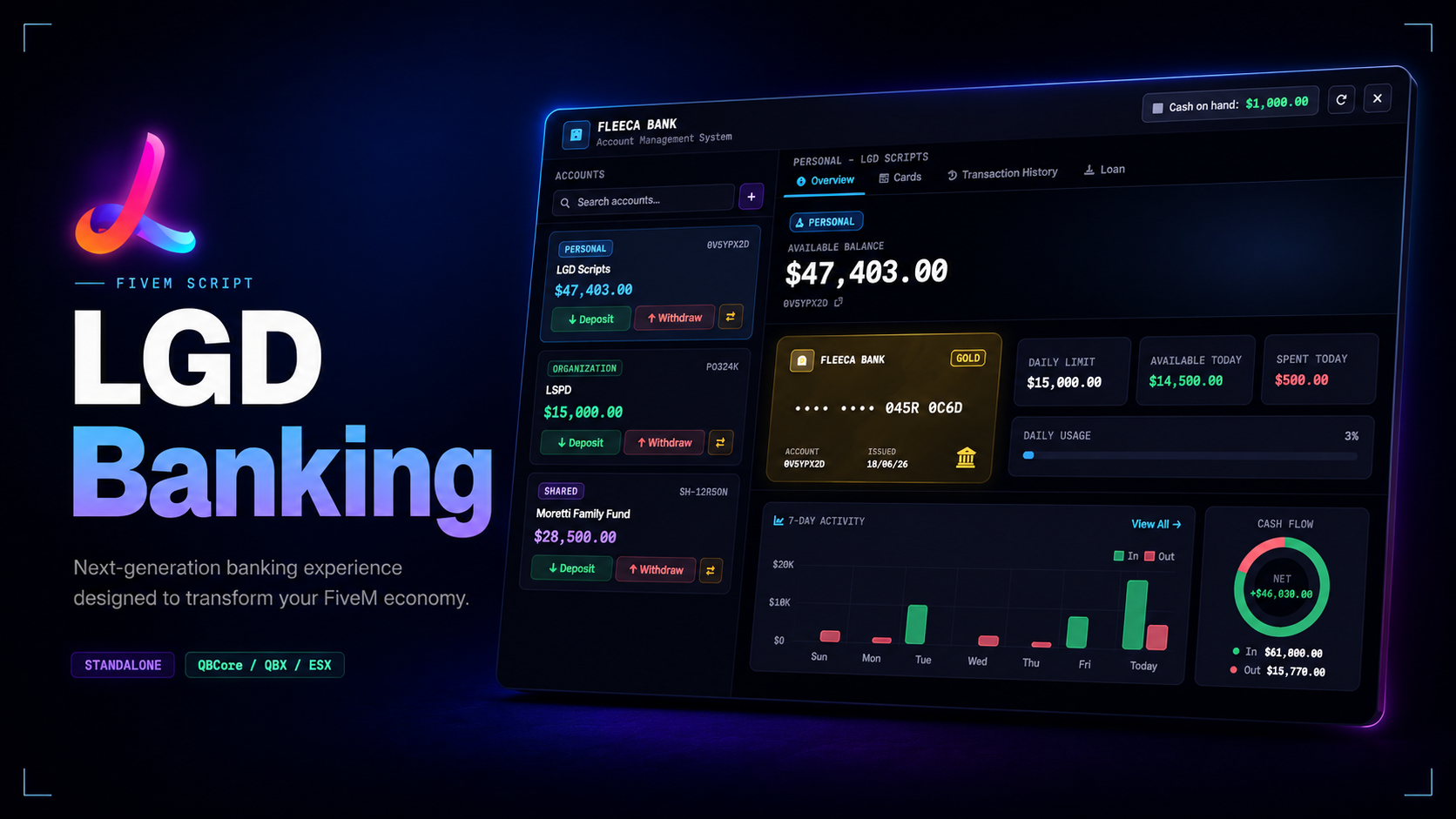
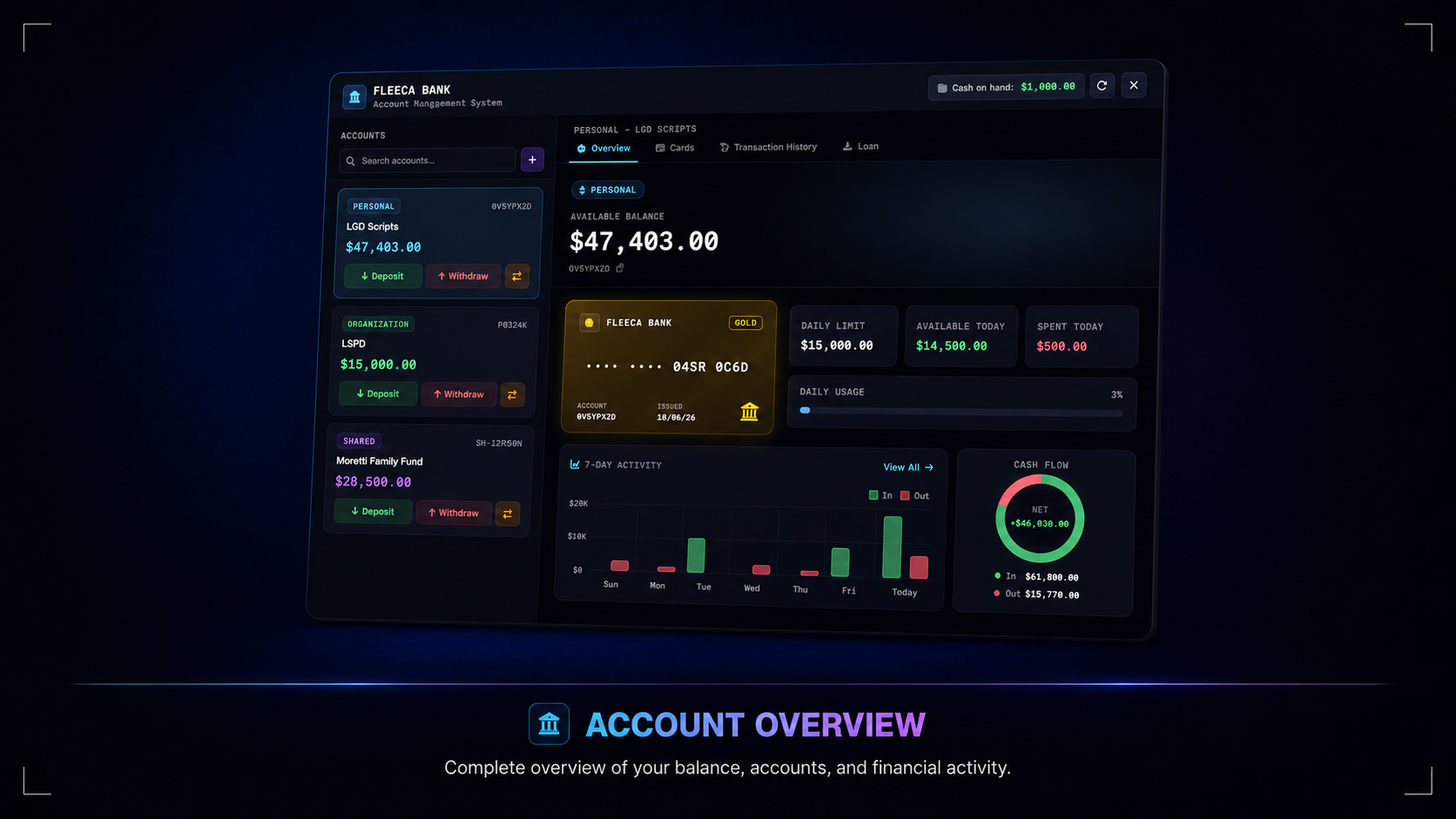
LGD Banking is a banking interface for FiveM that brings personal, organisation, and shared accounts into one consistent UI. The layout keeps balances, transactions, cards, loans, and member management in a single flow so bank visits feel structured instead of menu-heavy.
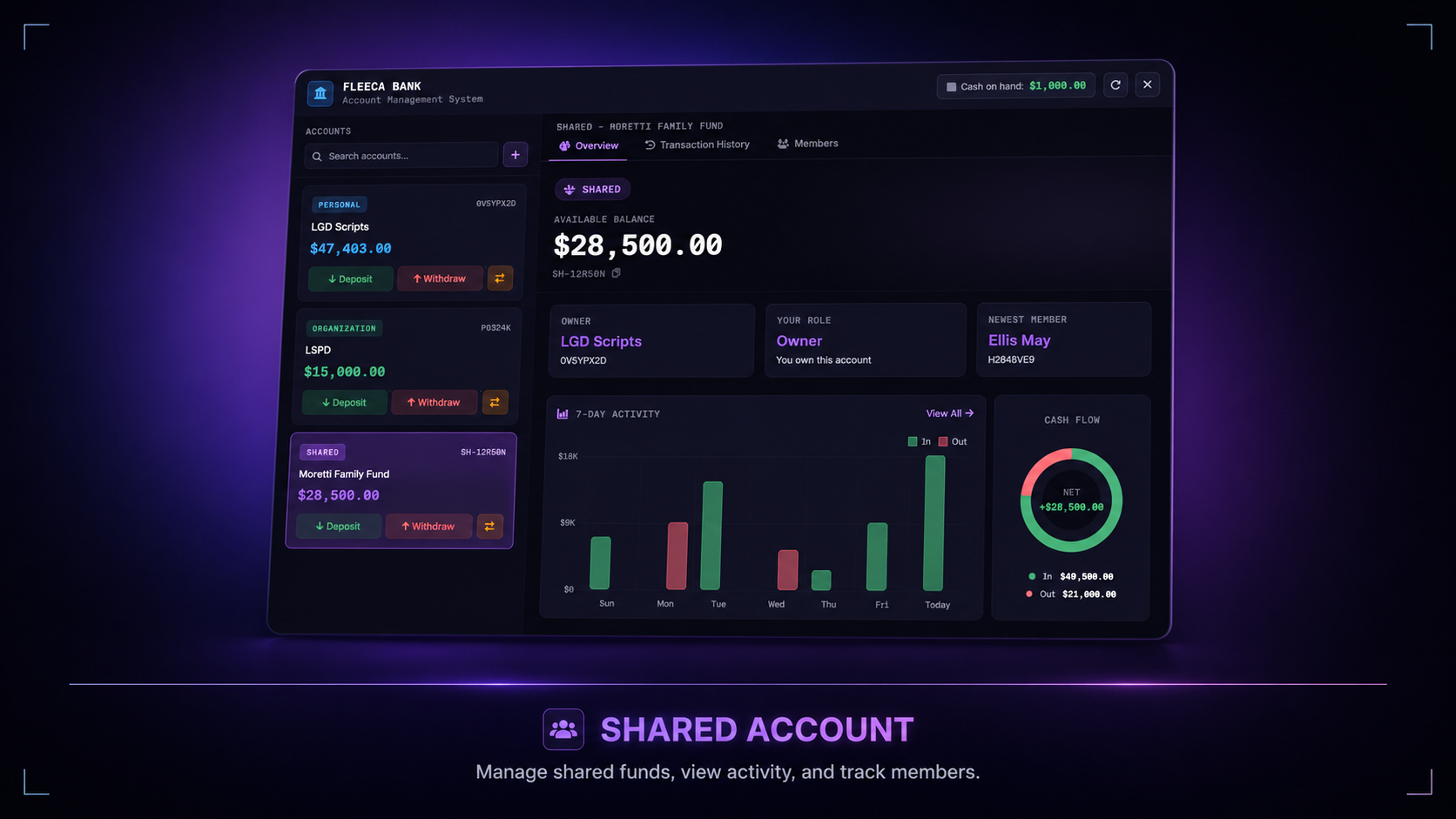
Shared accounts are the standout piece here — owners can create private accounts, review requests, assign roles, and manage access without relying on separate admin menus. Need a banking system that covers personal use, business funds, and trusted group access in the same product? This is built for that use case.
Account system — personal, organisation, and shared accounts are handled inside the same interface with dedicated flows for each account type
Shared account roles — owners, managers, and associates have separate permissions for joining, managing members, and moving funds
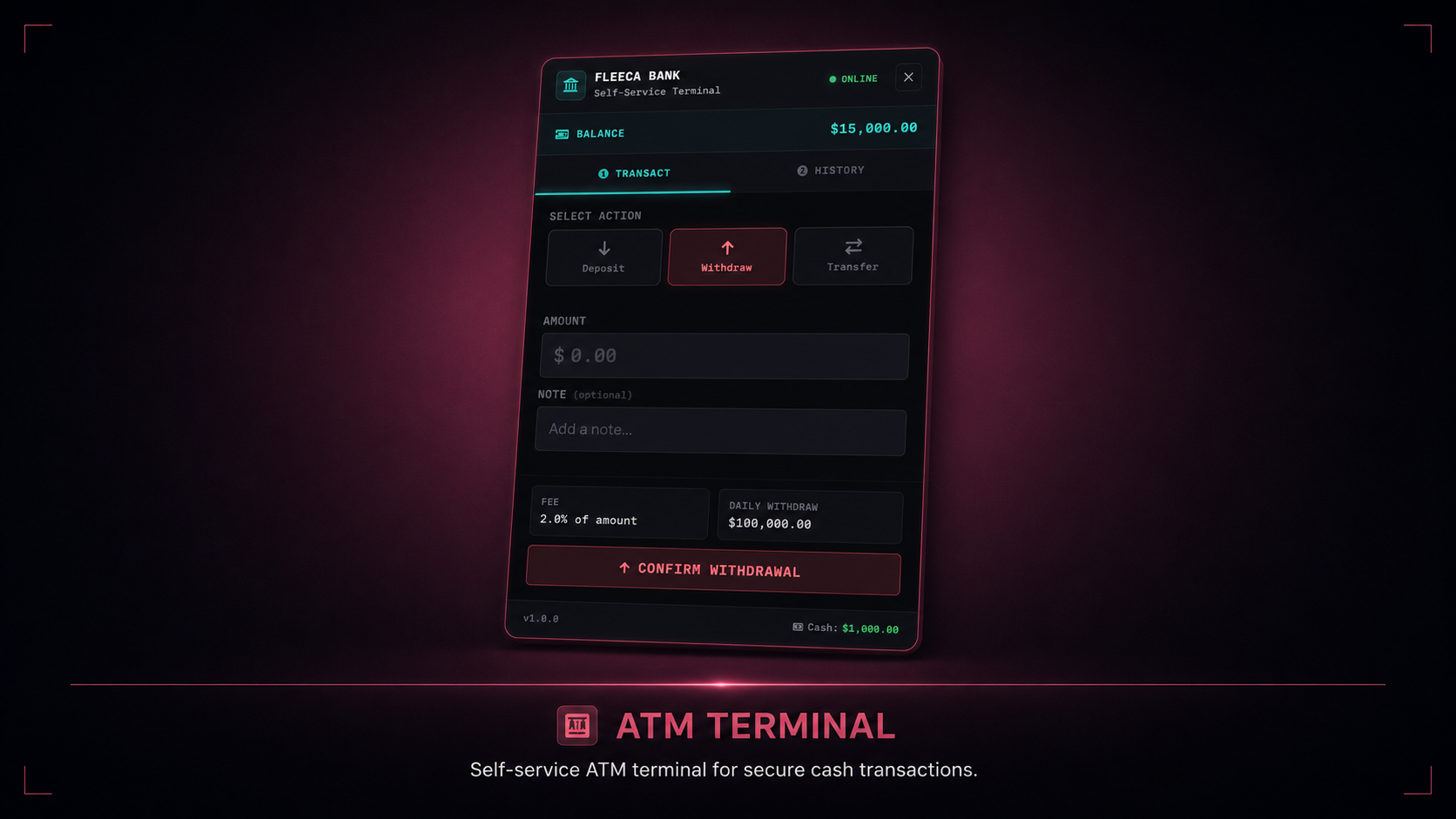
ATM terminal — ATM use has its own focused interface for deposits, withdrawals, transfers, and transaction history
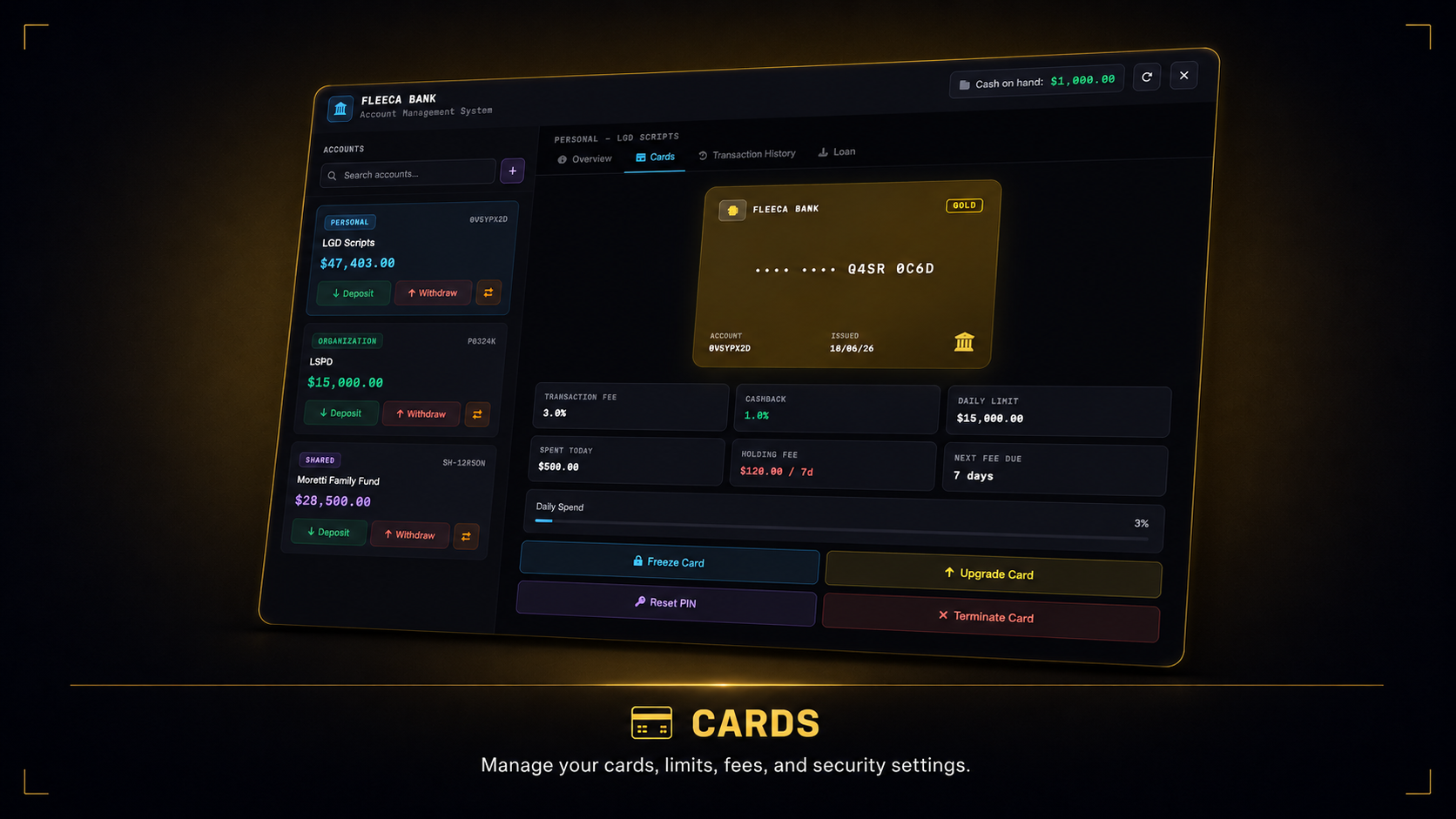
Card management — personal and organisation cards include tiers, fees, limits, freeze controls, and termination handling
Loan tracking — personal and organisation loans support configurable limits, repayment windows, cooldowns, and history review
Unified UI — the layout follows the LGD design language with account-aware colour themes, analytics panels, and motion across bank and ATM views
Customer editable bridge — shared/config.lua plus the framework files cover the parts most servers actually need to adjust without exposing the protected core
Framework support — works with QBCore, QBX, and ESX through auto-detected framework bridges
Target support — automatically detects and uses ox_target or qb-target
Optimised — Tested with resmon: `0.00ms` idle, `0.01ms` with the bank UI open, and `0.01ms` with the ATM UI open.
Support — Lifetime updates, 7-day-a-week personalized support via Discord, and a 7-day refund policy.
Everything is controlled from a single shared/config.lua file
ox_lib — Always
oxmysql — Always
pma-voice — Always
ox_target — One supported target
qb-target — One supported target
qb-core — One supported framework
qbx_core — One supported framework
esx_extended — One supported framework
Drop lgd-banking into your resources folder
Add ensure lgd-banking to your server.cfg **after **oxlib, oxmysql, your framework, and either ox_target or qb-target
Open shared/config.lua and set the preferred language, currency, shared account limit, and ATM options
Restart the server
Tested with resmon. The main interface runs only while the banking UI or ATM terminal is open, while world interaction points stay lightweight during normal play.
For questions, bug reports or suggestions, join our Discord.
Tags: esx qbcore qbox
Trusted by over 400+ servers worldwide.
"Finally a script that actually works. Support was super fast and helpful."
"Top quality. We've been using it on our server for 2 weeks without issues. 10/10."
"Very clean code, easy to customize. 0.00ms resmon is not an empty promise."
"This system is awesome. My players love the new features."
"Best developer. Updates come regularly and bugs are fixed immediately."
"Everything perfect, installation was done in 5 minutes. Would buy again."