
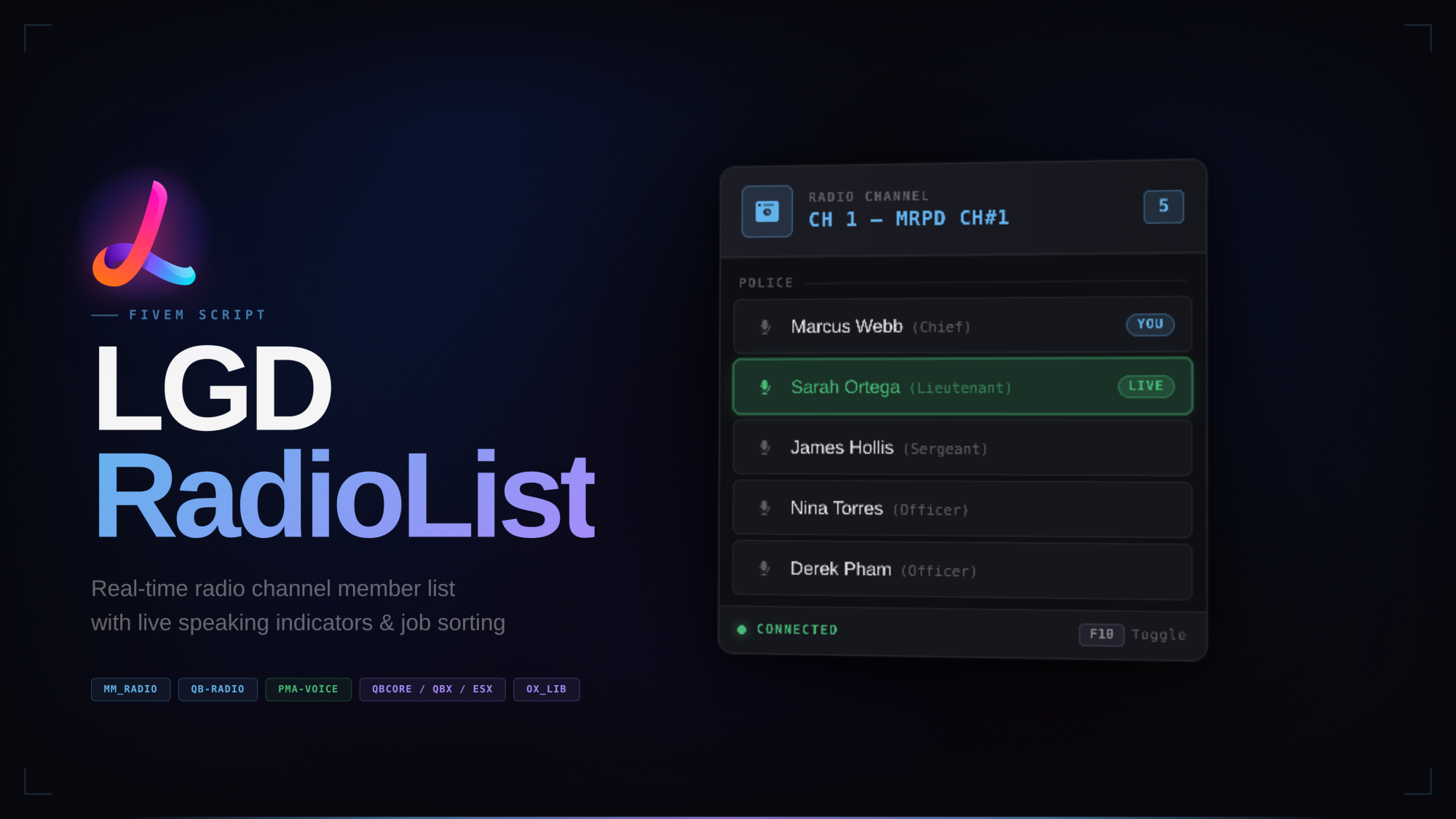
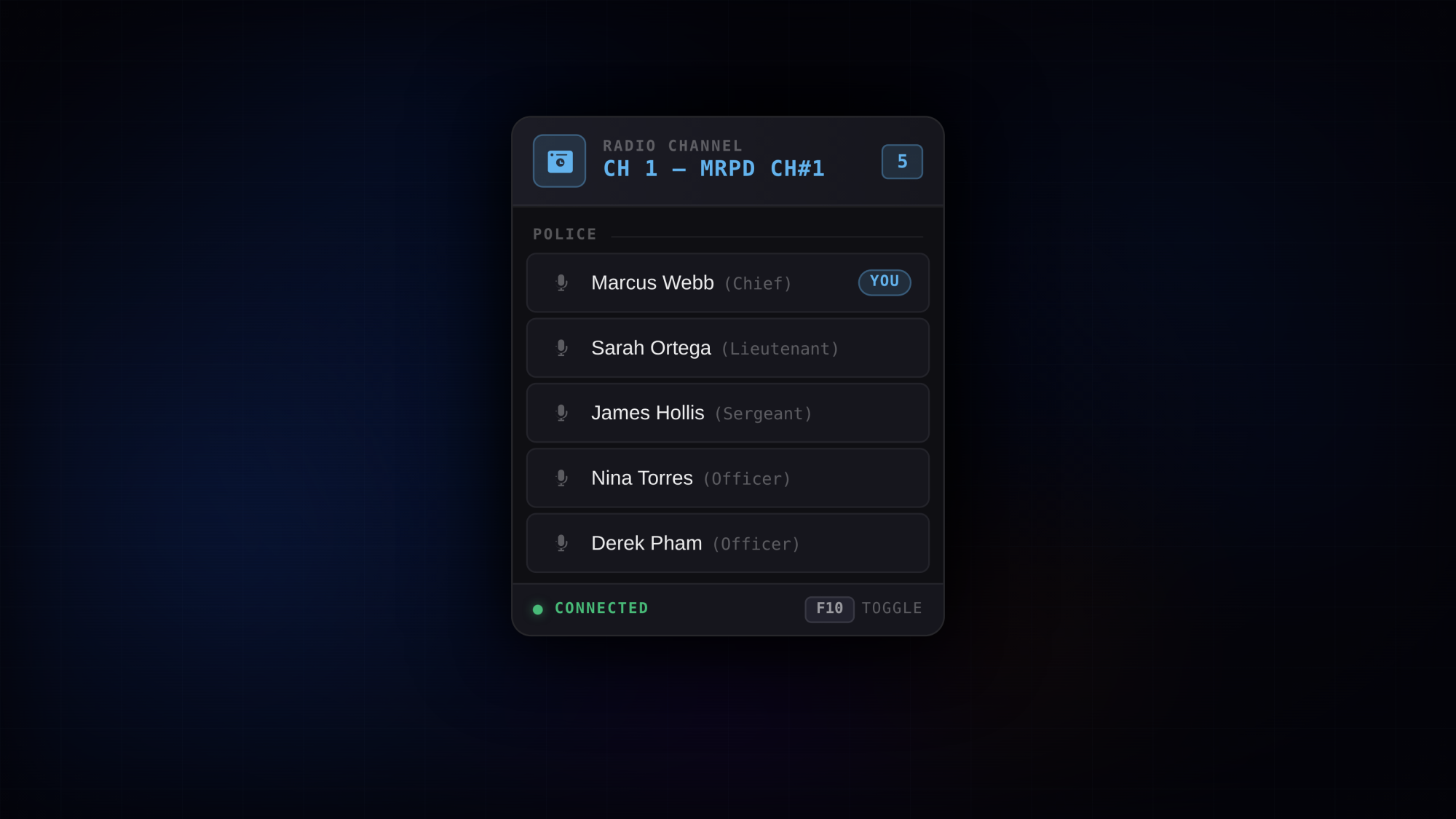
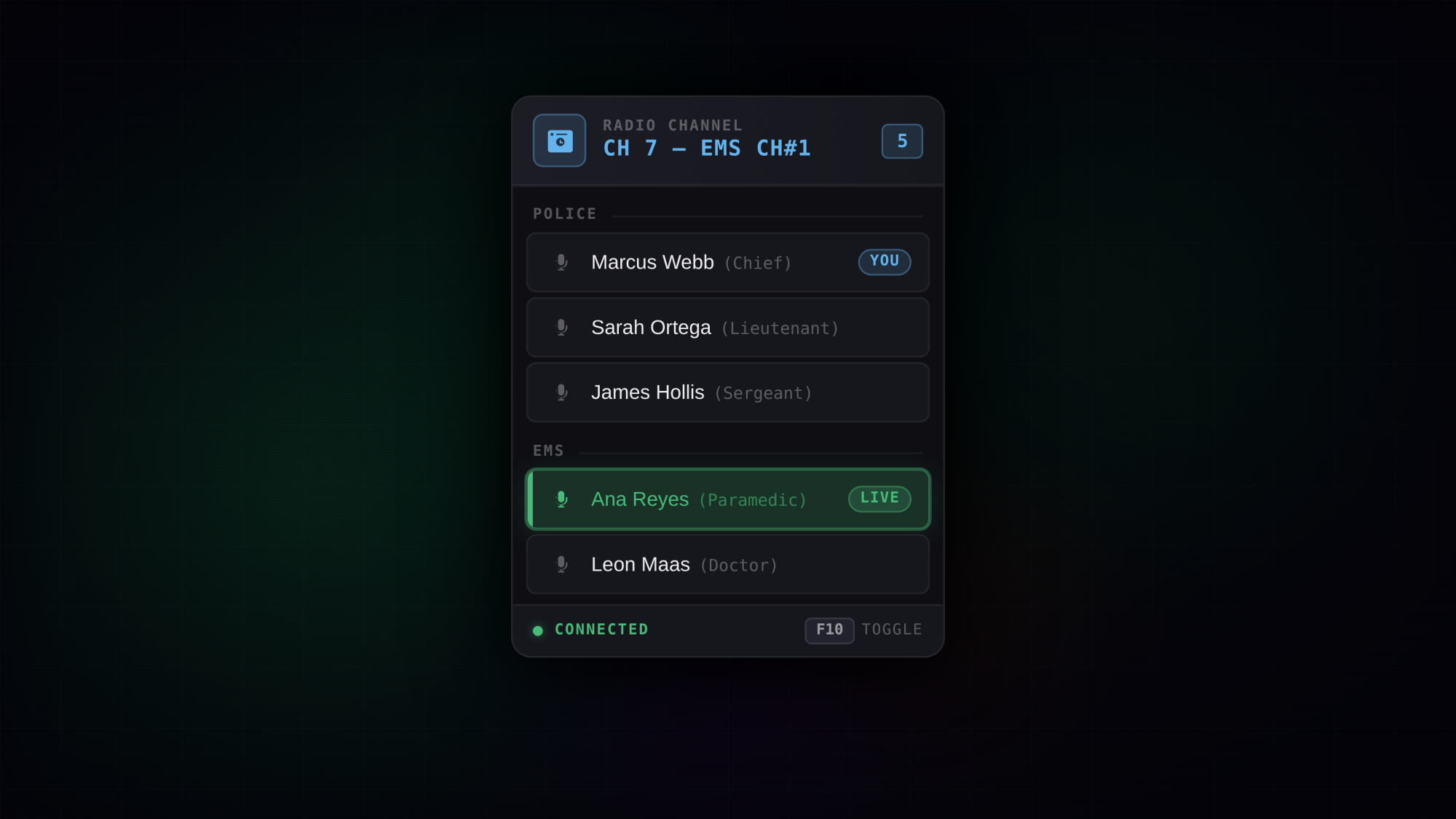
LGD RadioList is a clean, always-on HUD that shows your radio channel's active members directly on screen — no need to open the radio menu. Built to match the design language of modern FiveM interfaces, it integrates tightly with pma-voice to display who is currently speaking in real time.
Players can toggle the panel on or off with a keybind, drag it anywhere on screen, and the panel remembers its position between sessions.
Always-visible HUD — every member on the active radio channel is shown at a glance with no menu to open
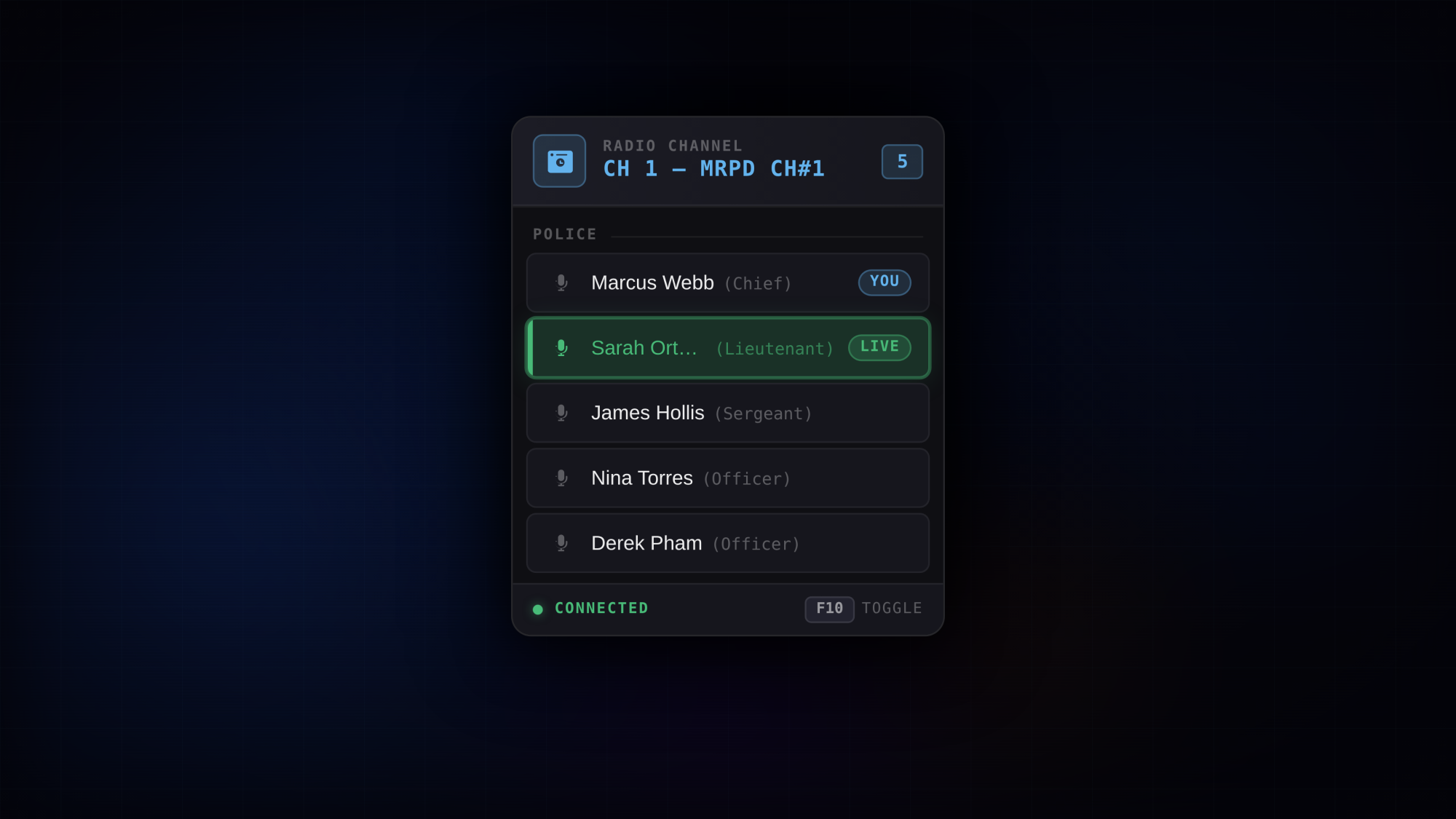
Live speaking indicator — the speaking player's row highlights green with a pulsing bar and a LIVE badge, powered by pma-voice events
Job & rank sorting — members are grouped under their job header and sorted from highest to lowest grade within each group; job group order is fully configurable
Grade label display — each player's rank name (e.g. Chief, Lieutenant, Officer) is shown in muted text after their name
Job sorting toggle — grouping and rank sorting can be disabled from the config; when off, members are listed alphabetically with no group headers
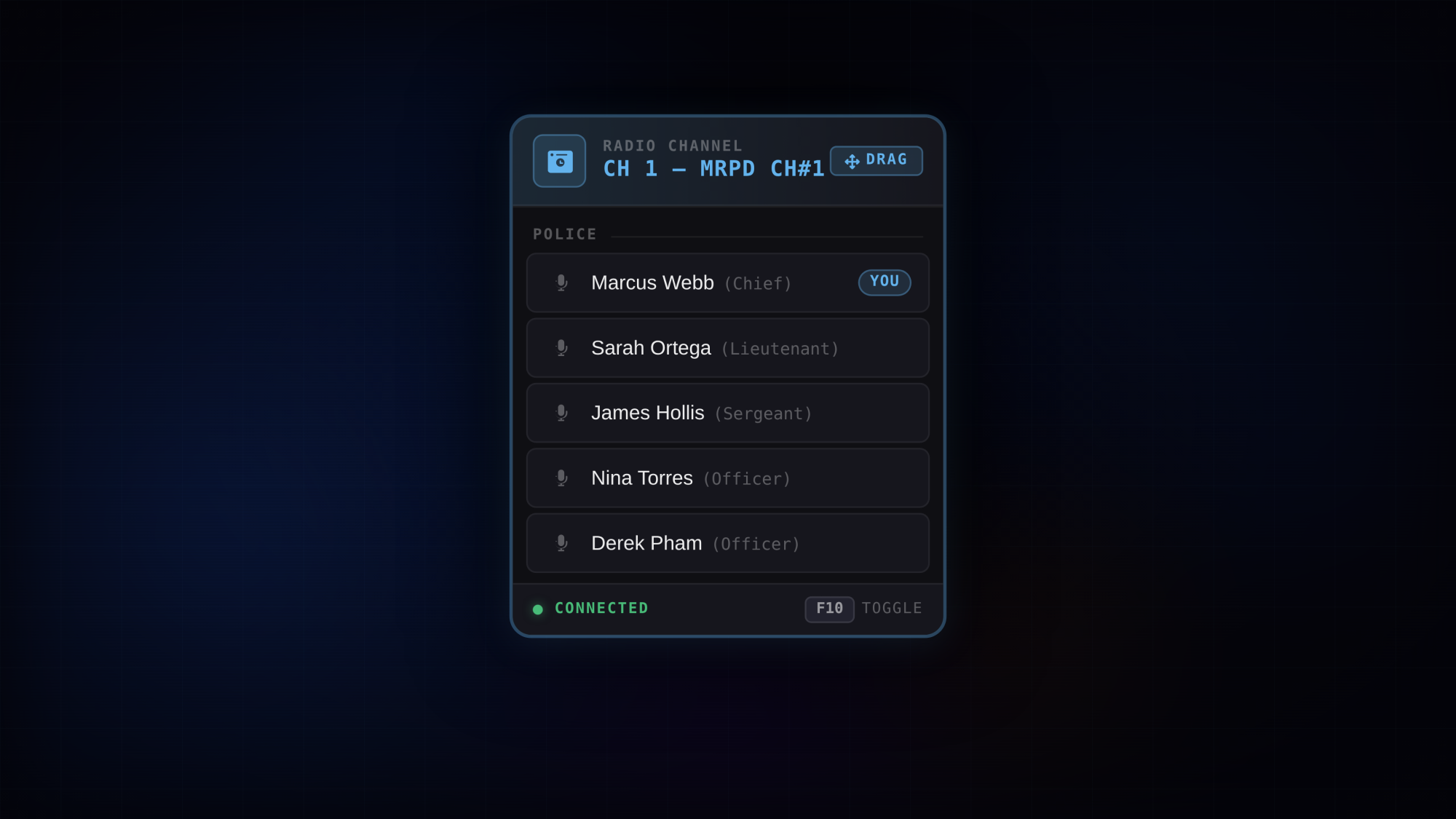
Draggable panel — hold a configurable key to enable the cursor and drag the panel anywhere on screen; position is saved across sessions
Rebindable keybinds — both the toggle and drag keybinds are registered through ox_lib and can be rebound in GTA V's Key Bindings menu
Multi-radio support — works with mm_radio and qb-radio, selectable from the config with a single key
Multi-framework support — full job and grade sorting on QBCore and QBX; ESX and standalone run without job features
Optimised — 0.00ms idle, 0.01ms spike on speaking or list update; no polling threads, all updates are event-driven.
Support — Lifetime updates, 7-day-a-week personalized support via Discord, and a 7-day refund policy.
Everything is controlled from a single shared/config.lua file
ox_lib — Always
pma-voice — Always
mm_radio — If Config.RadioScript = 'mm\_radio'
qb-radio — If Config.RadioScript = 'qb\_radio'
qb-core — If Config.Framework = 'qbcore'
qbx_core — If Config.Framework = 'qbox'
Drop lgd-radiolist into your resources folder
Add ensure lgd-radiolist to your server.cfg after your radio script and framework
Open shared/config.lua and set your framework and radio script
Restart the server
Tested with resmon. The script is entirely event-driven — no Tick threads are running during normal gameplay. The drag-mode safety thread runs a single Wait(500) loop only while the resource is active.
For questions, bug reports or suggestions, join our Discord.
Tags: esx qbcore qbox
Trusted by over 400+ servers worldwide.
"Finally a script that actually works. Support was super fast and helpful."
"Top quality. We've been using it on our server for 2 weeks without issues. 10/10."
"Very clean code, easy to customize. 0.00ms resmon is not an empty promise."
"This system is awesome. My players love the new features."
"Best developer. Updates come regularly and bugs are fixed immediately."
"Everything perfect, installation was done in 5 minutes. Would buy again."